 LuxVocabulary
User guide
What would you like to do?
Find a word
Choose the search language, type a word and select a suggestion or press Search. Open a word to see translations and use {% include 'icons/play.svg' %} to hear its pronunciation.
Find a word →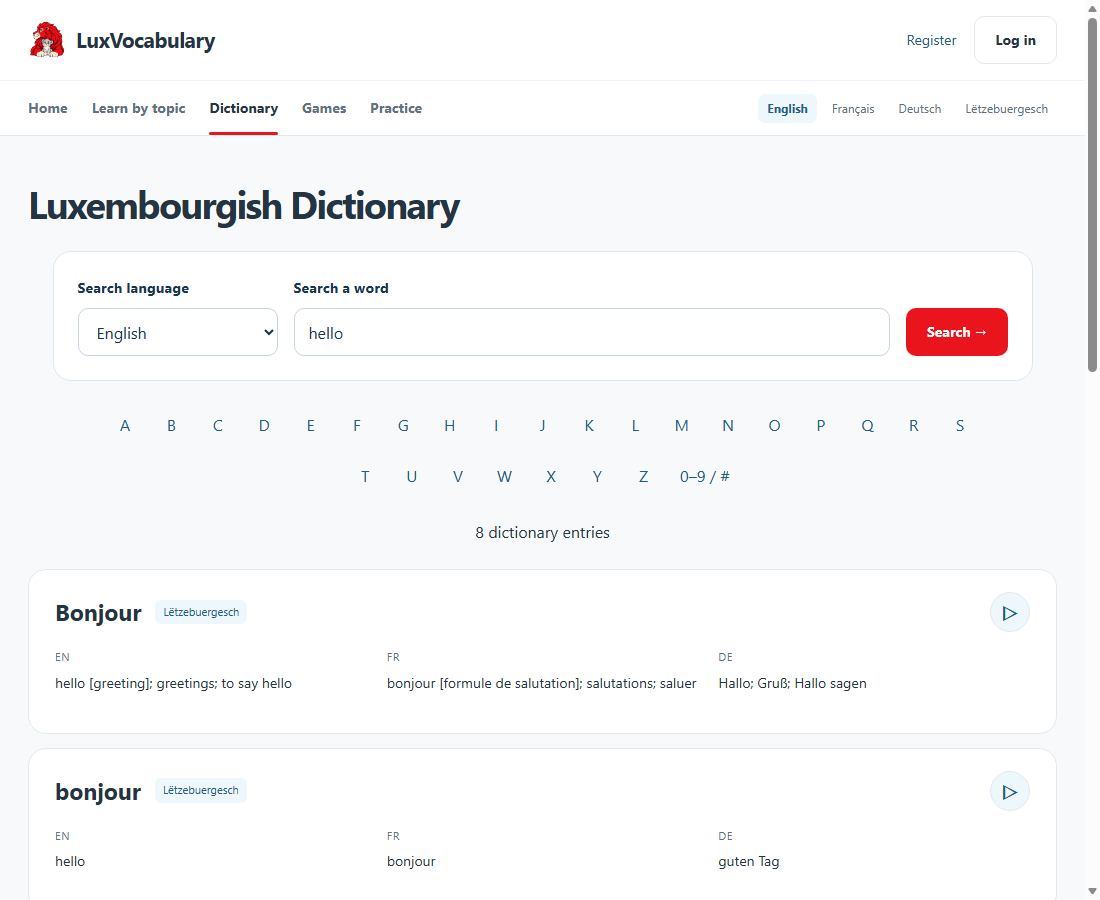
Learn by topic
Choose a topic and explore its words. Listen, then start practising when you are ready.
Learn by topic →Play a game
Choose a picture game. Drag a word anywhere onto its picture, or tap a word and then the picture. Placed labels are transparent so the image stays visible. Use × to remove a match. Once every word is placed, select Check matches: green text is correct, red text needs another try. Start again clears the board. In spelling practice, arrange the letters to spell the Luxembourgish word, then check your answer.
Play a game →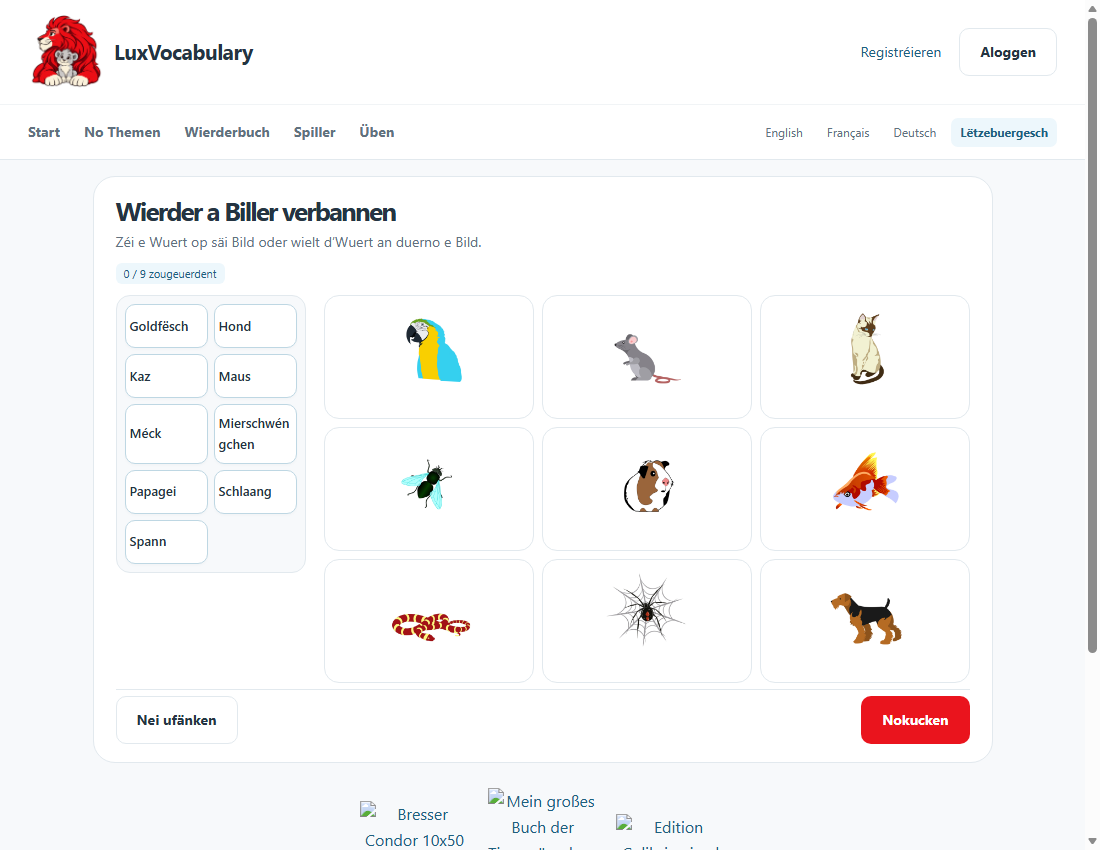
Track your progress
Create an account and log in to save learned words. Correct answers add new words to your progress; use Next to continue.
Track your progress →Advanced dictionary search
Wildcards replace letters in a search.
%= any number of letters:af%→ words starting with af._= one letter:_a_→ three-letter words with a in the middle.